In my albeit short time working with Power Automate Flows, I am already finding shortcuts to try and help me navigate between multiple Flows and their dependencies. I’ve developed some techniques which may help.
Use hierarchical naming
Whilst not perfect, using hierarchical naming can provide benefits. It becomes easier to see at a glance what calls what. Additionally, it shows what is dependent on what.
In the screenshot, 01 calls 01.2, which calls 01.2.1, etc.
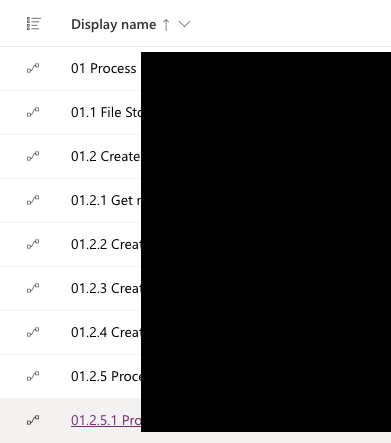
Using hierarchical naming can also assist in sorting of Flows into a more logical order.
Of course, using ordinals like 01 then 01.1, 01.2, etc. does imply that execution will be in order (making notating Flows called in parallel challenging) and there will be no “new” Flows “slotted in”. Luckily, renaming Flows is easily done and doesn’t break anything other than annotations and documentation.
Name the Child Flow after what it’s running
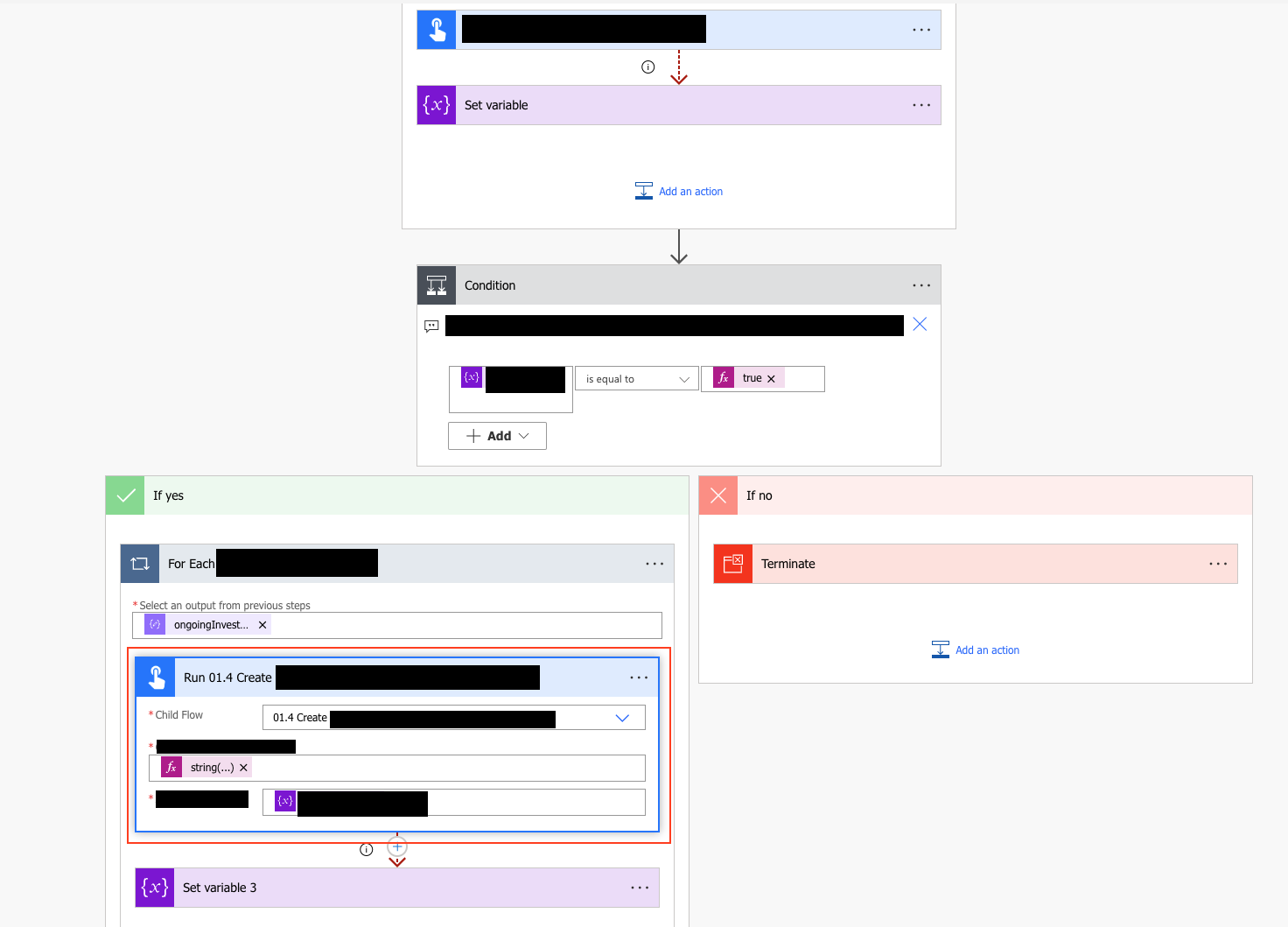
Use the Rename option to name the child Flow after what it’s running.
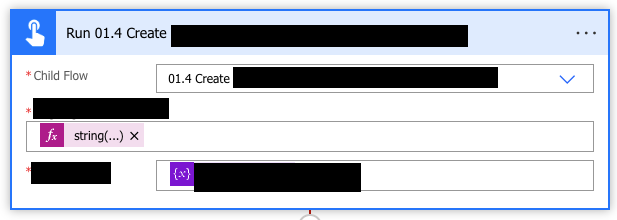
This makes it easier when navigating through a complex graph:
 Live to work
Leave a comment