
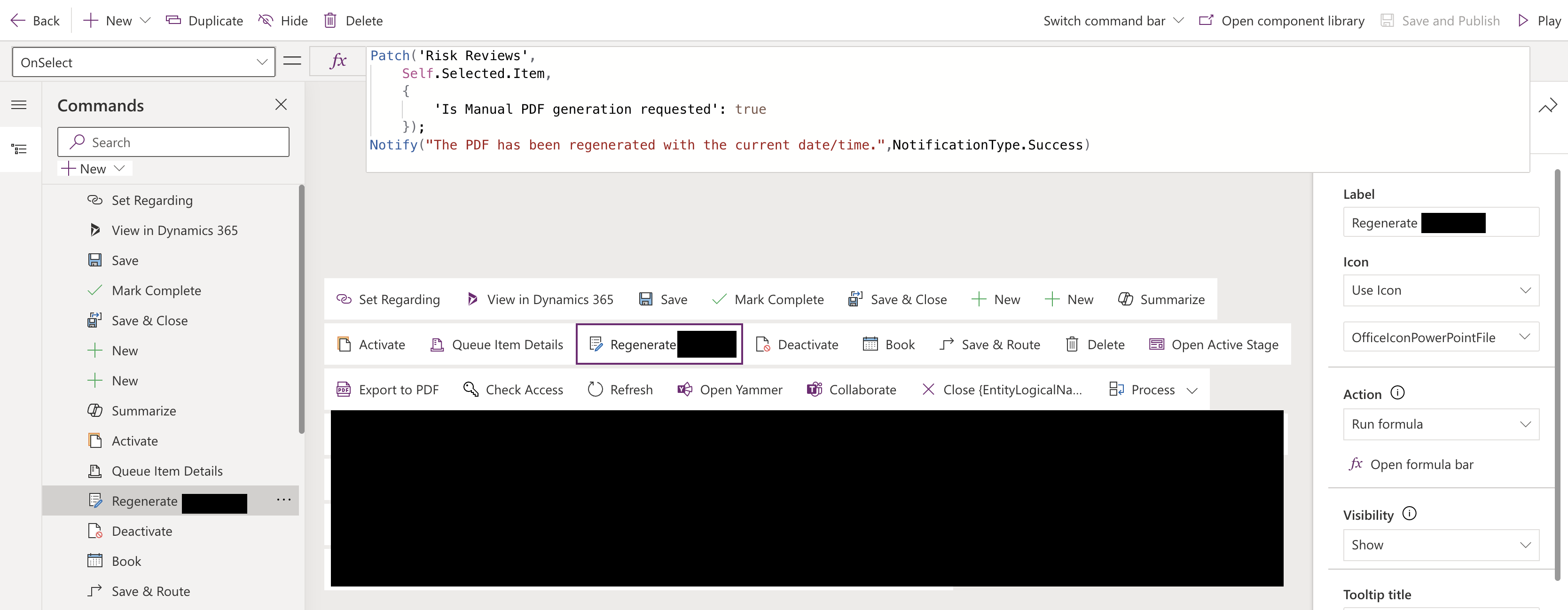
The Command Bar editor can be used to set the PowerFX on a Command Bar Button which can invoke functionality. The screenshot below shows that this formula has an error. The error is because a field which the formula is referencing does not exist.
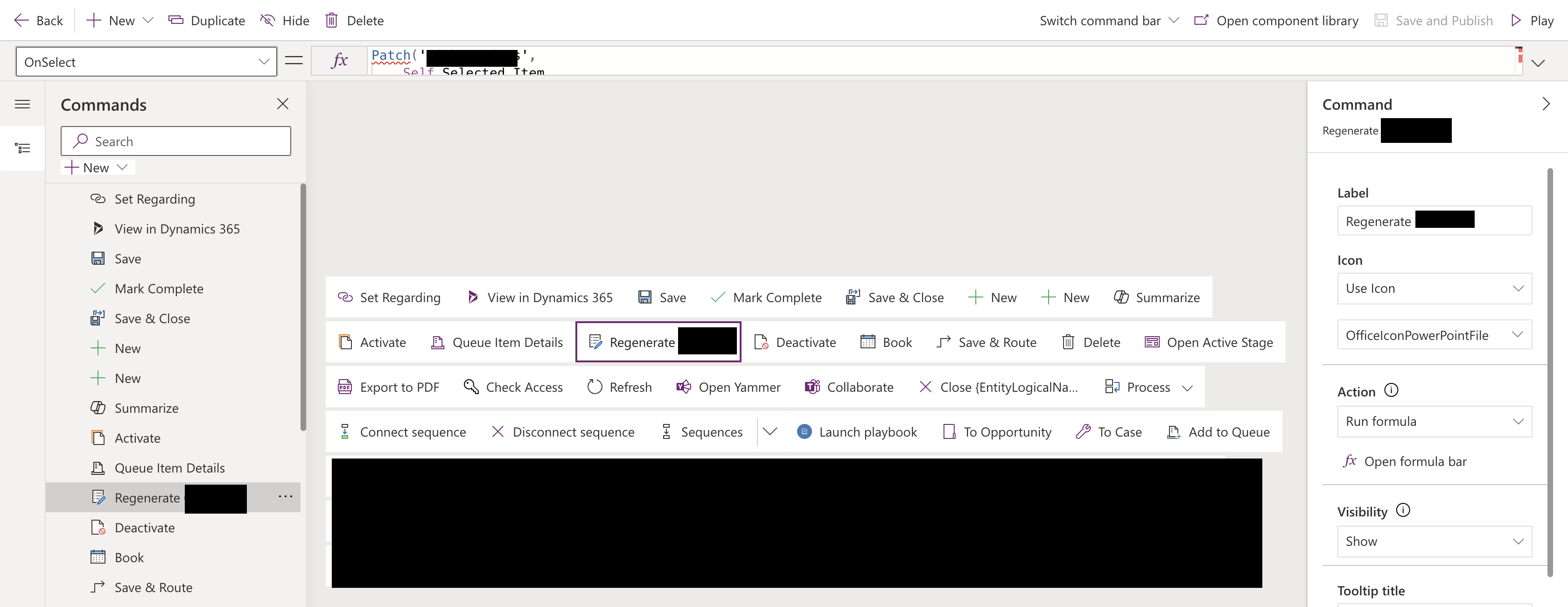
This is the actual error:

The error is that the field Manual PDF generation requested? does not exist.
Except it does.
How to resolve
In order to have any field customisations down to the Command Bar, one must go into the Component Library and effect a re-publish.
Click on the Open component library button on the toolbar to display the component library used by the application.

Click the … icon to display the menu and select View code:
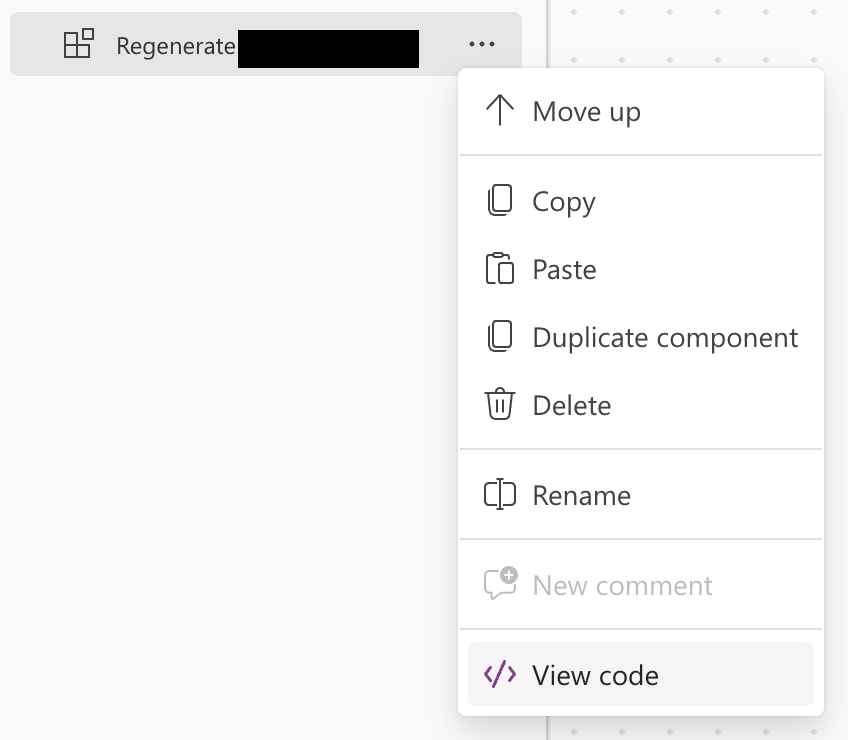
The code is displayed, but note that this may change your code!

Make no changes and click Close
Click the Save button followed by Publish:
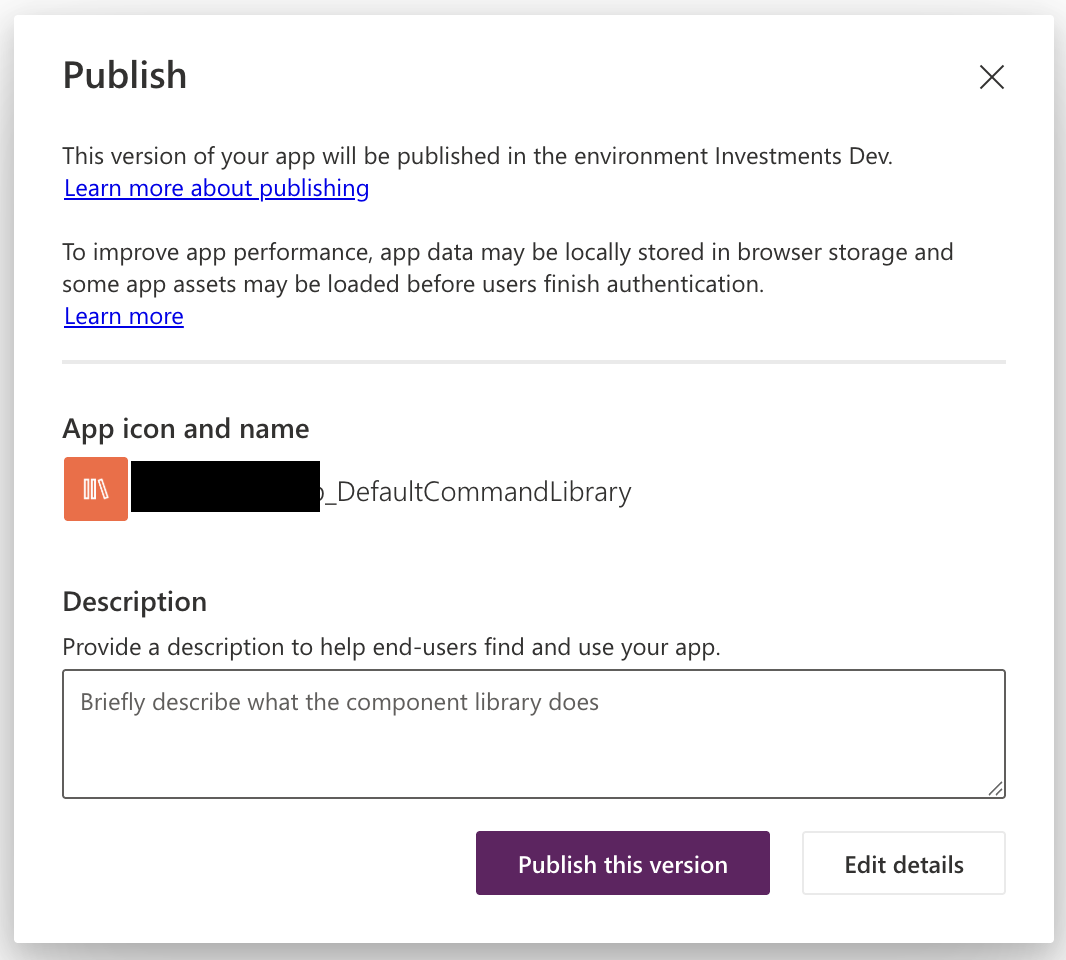
Wait until the publish operation is complete before leaving the designer tool.
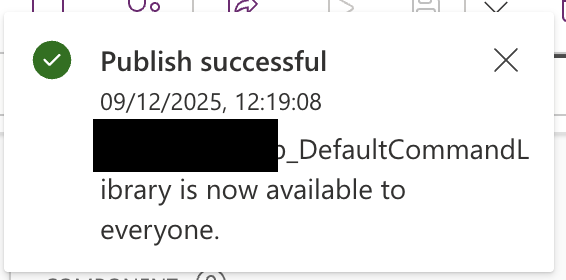
You will be warned about leaving the application and losing your work. Ignore this, it is wrong.
Re-open the Command Bar and notice that the error has now disappeared.
 Live to work
Leave a comment