Importing previously exported data into Excel from Power Platform would be so easier if you could use a formula to derive another column.

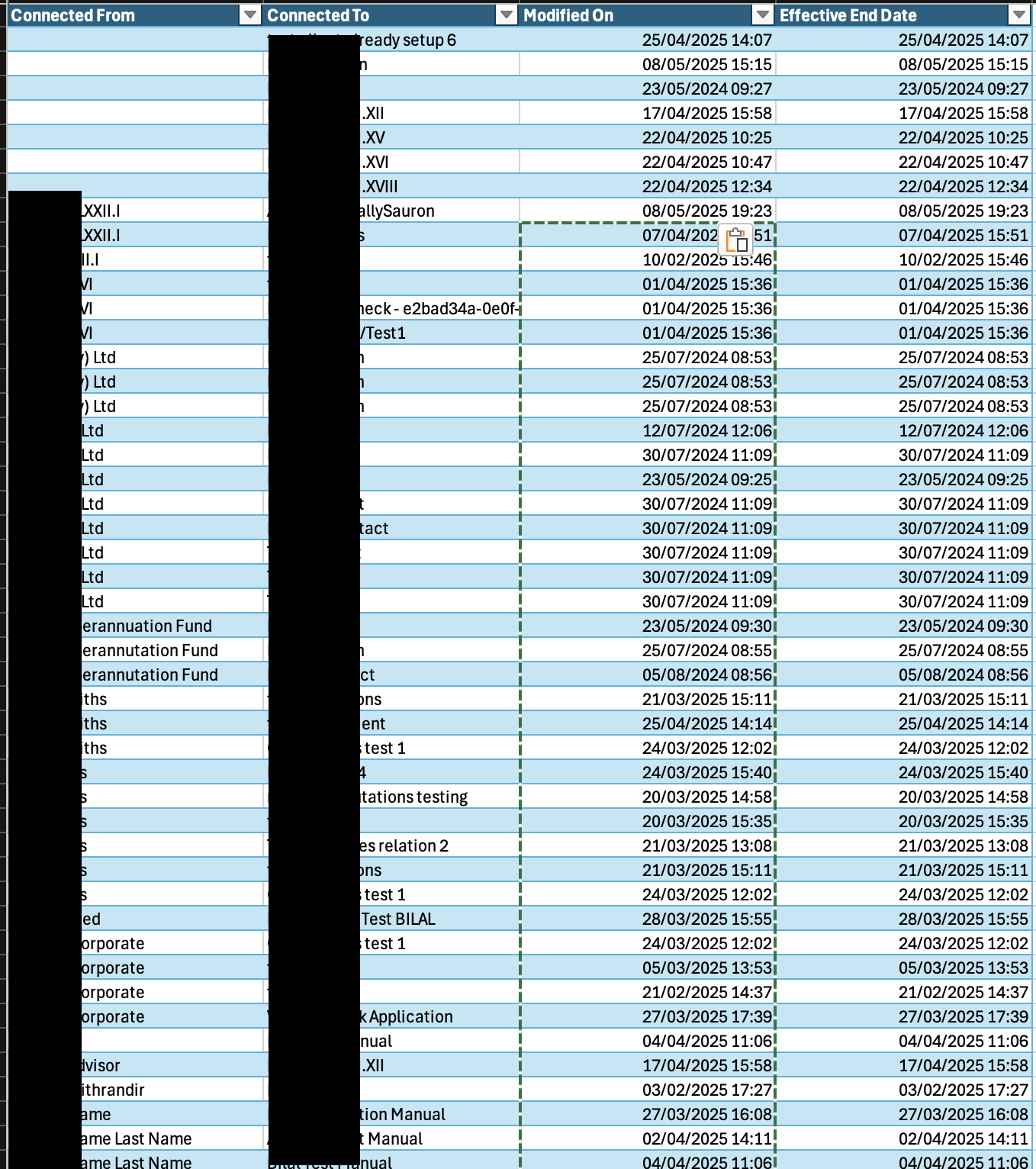
For example, setting a date to the same value as another column using something like:

=A1

But if the cell is going to be re-imported into a particular type such as a date/time, this is going to fail.

So copying/pasting you will have to do using the “Paste Values” function:
One response to “When importing previously exported data in Dynamics CRM, don’t use Excel formulae”

  1. Changing a column data type to a Global Option Set in Buddy System Language Learning Application (4/8) – Live to work Avatar

    […] set the (currently empty) Skill level column with values from the Skill level (deprecated) field. Remember you cannot use formulae. When setting the field value for the new column, use the values in the existing Option […]

Leave a comment

This site uses Akismet to reduce spam. Learn how your comment data is processed.

Quote of the era

In the beginning there was Jack … and Jack had a groove. And from this groove came the groove of all grooves. And while one day viciously throwing down on his box, Jack boldly declared “Let There Be House” and House music was born.

~ Chuck Roberts